Best Budget Gaming Setups: How to Build a Powerful PC Without Breaking the Bank
Building a gaming setup on a budget is easier today than ever before. With smart component choices, value-driven brands, and better overall hardware efficiency, even beginners can assemble a powerful rig without spending a fortune. Many gamers who enjoy online titles or lightweight casino-style games—such as the popular 4Rabet Game or those who like to play 4Rabet Aviator for fun—often assume they need expensive hardware to get smooth performance. The truth is: a well-planned budget build can handle modern games with ease, especially when you focus on the right parts and skip unnecessary upgrades.
A budget gaming PC setup doesn’t mean low quality. Instead, it’s about understanding where performance matters most. By selecting optimized components, knowing current market pricing, and avoiding common traps that inflate your budget, you can build a machine that runs competitive games, casual titles, and even demanding AAA releases at respectable settings. In this guide, we’ll explore how to maximize your money, what parts to prioritize, and how to future-proof your setup without overspending.
1. Understanding Your Gaming Needs
Before buying anything, define what type of gamer you are. If you play shooters, racing games, or esports titles, you can get away with mid-range GPUs and older-generation CPUs. For heavier games like Cyberpunk 2077 or Starfield, you’ll need slightly stronger hardware—but even then, you don’t need to jump to high-end models.
Ask yourself:
- What resolution do I plan to play on—1080p, 1440p, or 4K?
- Do I prefer performance (FPS) or visuals?
- Do I stream or edit videos on the same PC?
- Which games matter most to me?
This clarity prevents overspending on components that offer little benefit for your actual use.
Get The Daily Illini in your inbox!
2. Choosing the Right Processor (CPU)
The CPU is the brain of your PC, but budget builders should avoid going too high-end. The sweet spot lies in affordable mid-range chips.
Best Budget Picks:
- AMD Ryzen 5 5600 or 5600G
- Intel Core i5-12400F or i3-13100F
These CPUs offer:
- Excellent gaming performance
- Low heat output
- Affordable pricing
- Compatibility with inexpensive motherboards
If you aren’t doing heavy multitasking or streaming, there’s no need for Ryzen 7 or Core i7 models.
3. Graphics Card (GPU): The Most Important Part
A good GPU is essential for gaming. Luckily, modern budget GPUs can deliver impressive performance.
Best Budget GPUs in 2025:
- NVIDIA GTX 1660 Super (great used option)
- NVIDIA RTX 3050 6GB (affordable and supports DLSS)
- AMD RX 6600 (top value pick)
- AMD RX 7600 (mid-range strength at a fair price)
The AMD RX 6600 is often considered the best-value graphics card for 1080p gaming, offering smooth gameplay in almost all modern titles.
4. RAM: How Much Do You Need?
For gaming in 2025, 16GB of RAM is the standard sweet spot.
If your budget allows, 32GB future-proofs your system, but it’s not essential.
Recommended RAM speeds:
- DDR4: 3200MHz or 3600MHz
- DDR5: 5200MHz or higher
Always buy RAM in dual-channel (two sticks), as this boosts performance.
5. Storage: SSD vs HDD
Never build a gaming PC without an SSD today. They dramatically improve speed, loading times, and overall system responsiveness.
Budget Storage Setup:
- 500GB NVMe SSD for OS + main games
- Optional: 1TB HDD for extra storage
If you can afford a 1TB NVMe SSD, it’s the perfect balanced choice.
6. Motherboard: Features vs. Cost
Your motherboard doesn’t influence game performance, so don’t overspend.
Budget Motherboard Options:
- For AMD: B450, B550
- For Intel: B660, B760
Focus on:
- Enough USB ports
- At least 2 RAM slots (preferably 4)
- M.2 SSD support
- Proper VRM cooling for stability
Avoid paying extra for RGB, Wi-Fi, or overclocking features unless you truly need them.
7. Power Supply (PSU): Don’t Go Too Cheap
A reliable PSU protects your entire system. Look for:
- 80+ Bronze rating or better
- 500W–650W capacity
- Trusted brands like Corsair, Cooler Master, Antec, or Seasonic
A high-quality PSU ensures stable gaming performance and extends the lifespan of all your components.
8. PC Case: Airflow Matters More Than Looks
Even budget cases can offer great thermals if designed properly.
What to look for:
- Mesh front panel
- Pre-installed fans
- Space for cable management
- Support for GPU length
RGB and tempered glass are optional—good airflow should be your top priority.
9. Monitor and Peripherals: Budget-Friendly Choices
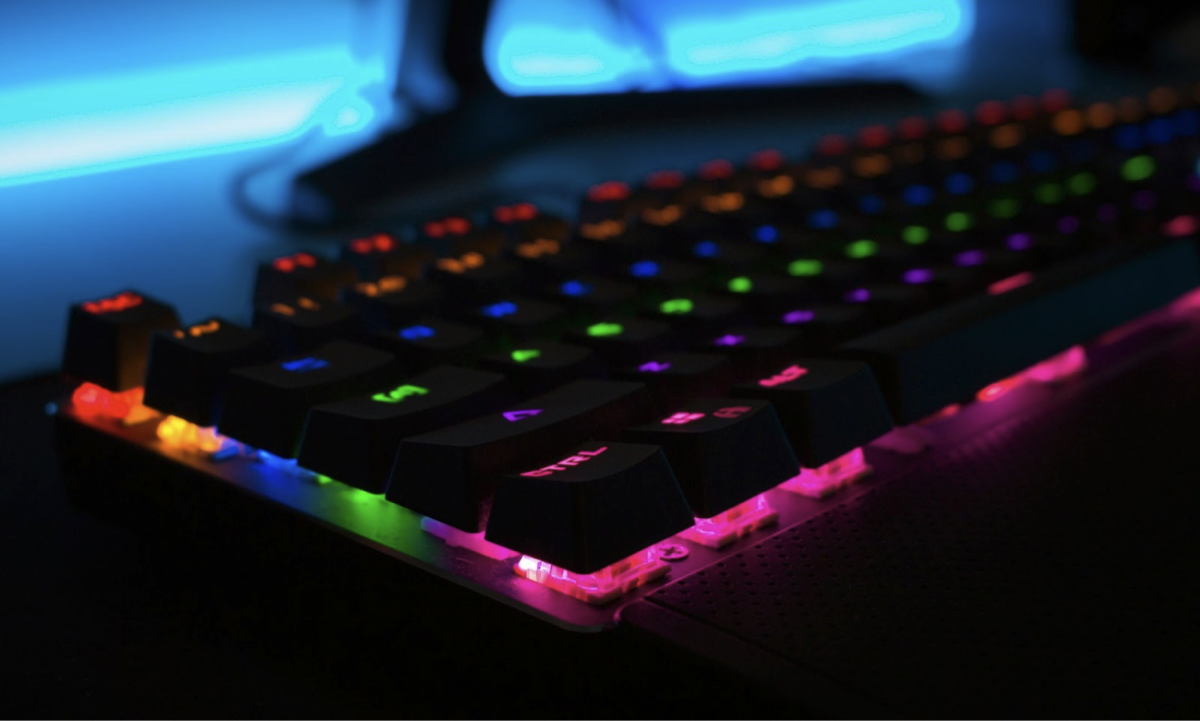
Don’t focus only on the PC tower. A gaming setup requires a good monitor, keyboard, and mouse.
Budget Monitor Picks:
- 1080p, 144Hz display (best for competitive gaming)
- IPS panel for better colors
Budget Keyboard & Mouse:
- Mechanical keyboards from Redragon or Royal Kludge
- Affordable gaming mice from Logitech or Razer
Remember: upgrading your monitor often improves your gaming experience more than upgrading your GPU.
10. Prebuilt vs. Custom Build: Which Is Cheaper?
Custom building is usually cheaper and offers better value.
However, prebuilt systems can be good deals during sales or if you’re uncomfortable assembling parts yourself.
Choose prebuilt only if:
- It offers a good GPU for the price
- Parts are from known brands
- Warranty is included
Otherwise, building your own PC is the smarter long-term option.
11. Tips to Save Money on Your Budget Build
- Buy used GPUs—many gamers upgrade often, leaving great deals behind.
- Avoid RGB accessories unless you truly want them.
- Compare prices across multiple online stores.
- Start with essential components, then upgrade later.
- Use sale periods like Black Friday, Diwali offers, or seasonal discounts.
Every small saving adds up and can be redirected toward a better CPU or GPU.
12. Final Thoughts: Power on a Budget Is Possible
Building a budget gaming setup is all about smart planning. You don’t need premium graphics cards or expensive accessories to enjoy modern games at smooth performance levels. With the right choices—like a mid-range CPU, cost-efficient GPU, 16GB RAM, and a good monitor—you can create a powerful, future-ready setup without straining your wallet.
Whether you’re into esports, casual gaming, or online titles like the 4Rabet Game, or you occasionally play 4Rabet Aviator for fun, a well-optimized budget PC will serve you reliably for years. By balancing performance, price, and future upgrades, you can build a gaming machine that delivers everything you need at a fraction of the cost.